
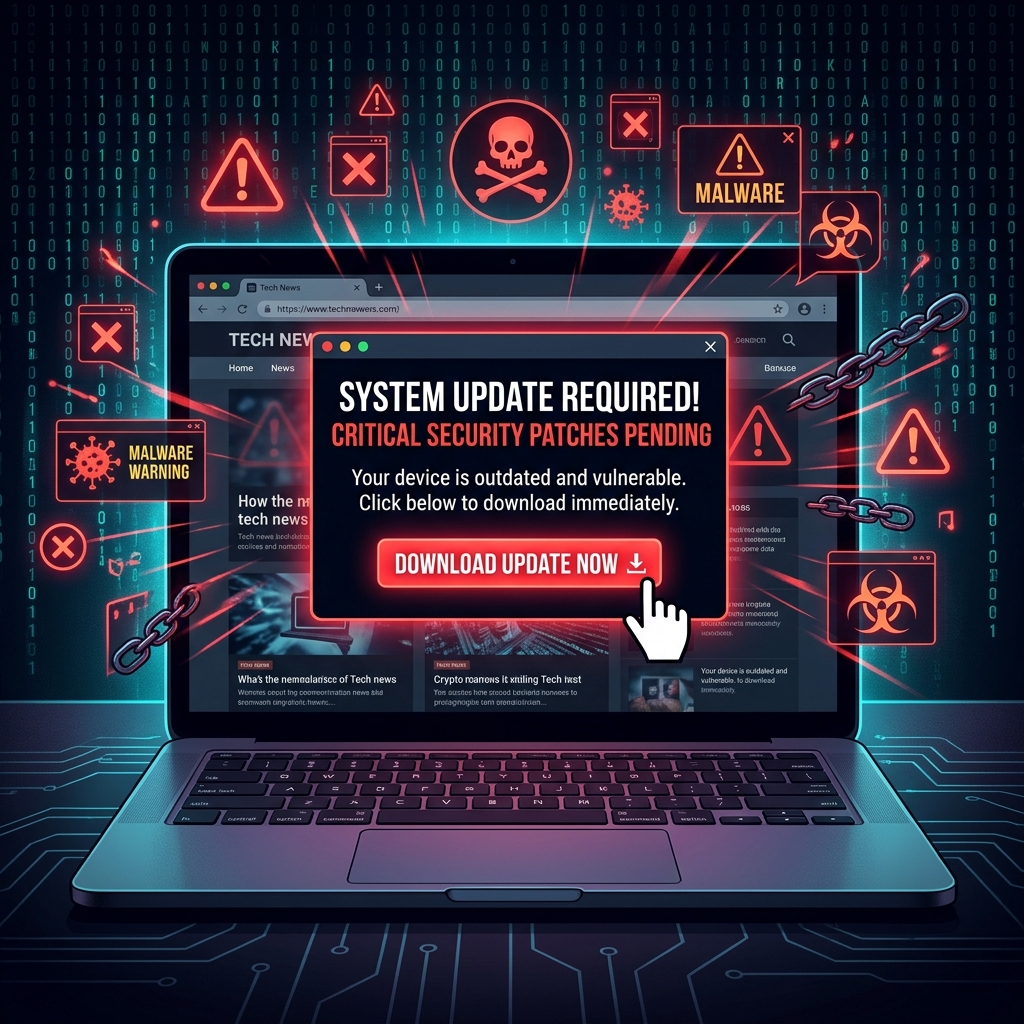
A few days ago, while using my laptop for a college project, a notification suddenly appeared on my browser saying: "Your video player is outdated. Update required to continue."
The message looked genuine. It had a professional design, an update button, and even a loading animation. Since I was in a hurry, I almost downloaded the file immediately.
But something felt off.
Instead of clicking the update button, I checked the website URL carefully. That's when I noticed the domain name looked strange and slightly different from the original software website. I searched online and realized it was a fake software update page designed to trick users into downloading malware.
If I had installed that file, it could have infected my laptop with spyware, ransomware, or a password-stealing program.
Fake Software Update Threat
Attackers often disguise malware as normal software updates because people trust update notifications without verifying them. Cybercriminals create websites and pop-ups that imitate browsers, media players, antivirus tools, or popular applications. Once users download the fake update, malicious software silently installs in the background.
According to Norton Cyber Safety Insights, malware infections often spread through fake downloads, malicious advertisements, and deceptive software update prompts.
After that experience, I changed some of my browsing habits. Now, I only download software updates from official websites or trusted application stores. I avoid clicking random pop-ups and always verify URLs before installing anything on my device.
Many people think cybersecurity attacks happen only to careless users, but the reality is different. Attackers design these scams to look convincing even to smart people. One rushed decision is enough to compromise an entire system.
"Cybersecurity is not just technical knowledge. It is the habit of slowing down before trusting what appears on the screen."
Most digital traps succeed because users react quickly instead of thinking carefully.