
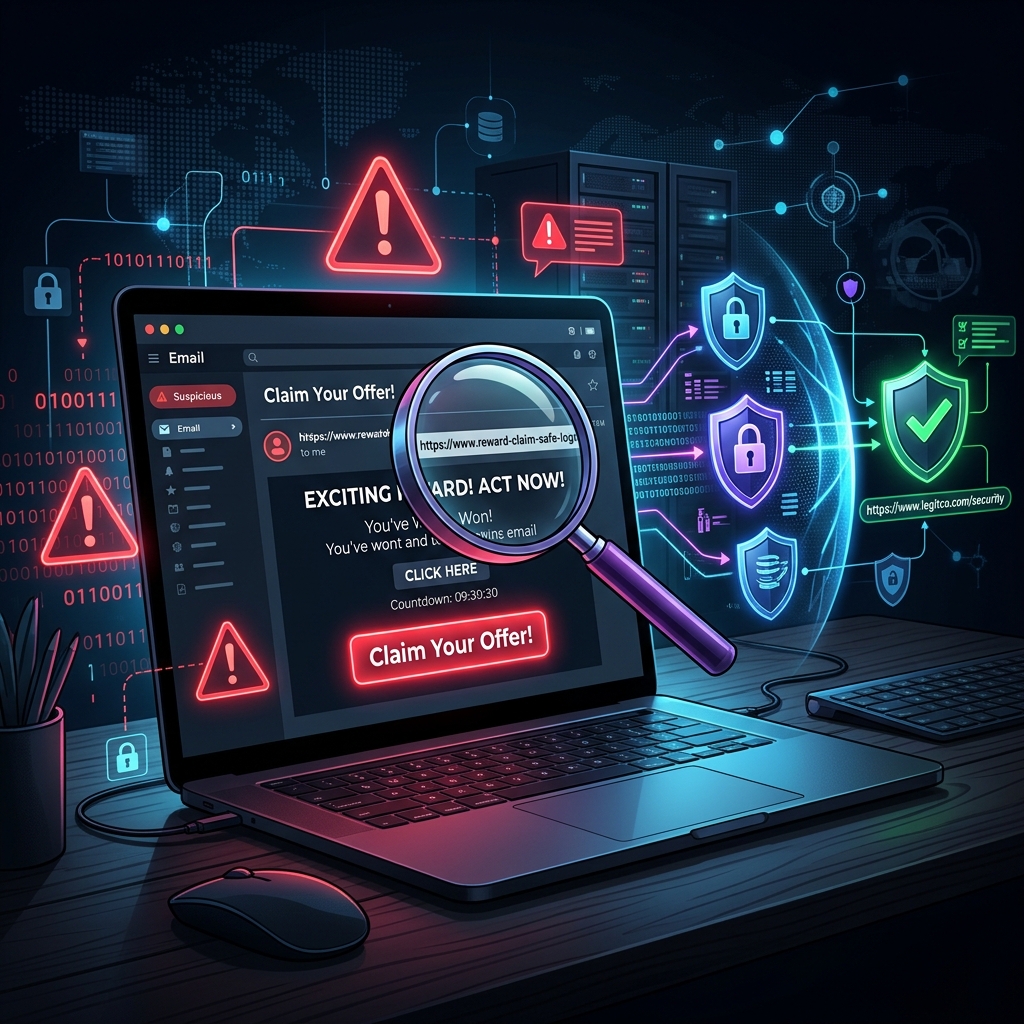
One day after finishing my work, I was casually checking my emails. I saw a message that looked like it was from a popular shopping website offering a "limited-time discount." The email looked very professional with a logo and a button saying "Claim Your Offer."
At first, I was about to click the link, but something felt strange. I decided to check the sender's email address and hovered over the link. I noticed that the website URL was different from the official site. That's when I realized it was a phishing email trying to trick me into sharing my personal information.
Cyber Defense Alert: Phishing Links
Attackers design emails and domains to look identical to trusted brands. Always hover over hyperlinks to inspect the destination URL before clicking.
That small moment taught me an important lesson about safe internet browsing. Many cyber attacks happen because people click links without checking them properly. If I had clicked that link, I might have entered my login details or other personal information on a fake website.
After that incident, I became more careful online. I always check website URLs, avoid suspicious links, use strong passwords, and enable two-factor authentication whenever possible.
"Thinking before clicking can protect us from many cyber threats."
The internet is very useful for learning and communication, but we must use it wisely. A simple habit like slowing down can save your credentials. Stay alert, stay safe, and browse responsibly.